View»
You can show or hide the status bar by selecting the View Status bar menu. If this option is selected a horizontal bar will display at the bottom of the window. The status bar contains help messages, a progress bar and other statistics. Leaving the your mouse over one of the statistic will popup a tooltip with more information:
Mode
This shows the current processing mode: regular or look ahead.
Tool
This shows the number of the currently loaded tool.
Operation
This shows the name of the current operation (if available).
CL record / ISN number
This shows the CL record number (CLN) that is currently being processed as well as the ISN number. ISN stands for Internal Sequence Number, which normally identifies the statements in the original APT-like CL file.

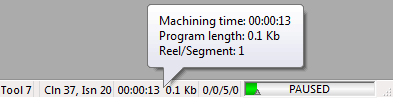
Machining time / Tape Length / Reel number
This shows the:
Total machining time including a breakdown by: feed interpolation, rapid positioning, and miscellaneous machining times.
Current tape length in feet, meters or Kb.
Current reel number or program segment for programs that are split.
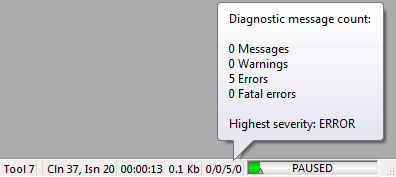
Diagnostics
This indicates the total number of diagnostics that have been reported to this point.
Graphic status bar
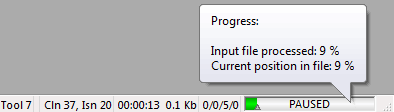
The green bar shows how far processing has advanced (in either regular or look ahead mode) through the CL file. The little arrow at the bottom indicates the current CL record position.