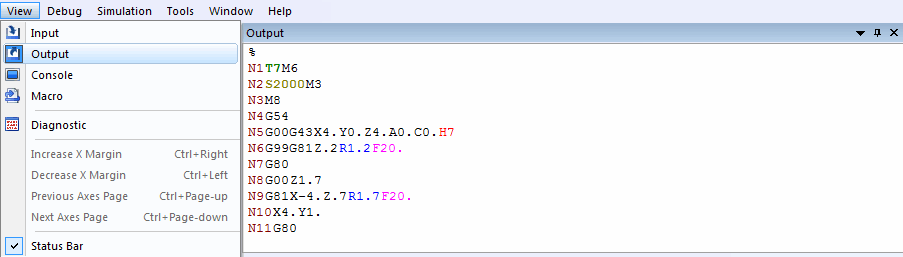
View»
This toggle activates or disables the output NC program file trace
window. When active, NC program data will be listed in the Output window
as it is written. The Run»
After the window is opened, it will record in a buffer all the lines up
to the number defined in the Output field of Number of Lines to
Record in
Tools»
Note that closing this window will speed up GENER execution.