Event Macro View (Control Emulator only)
The event macro view is quite a simple interface that shows you the macros available to enable. These macros are automatically activated when specific events occur in the program.
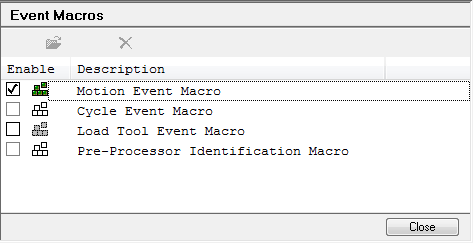
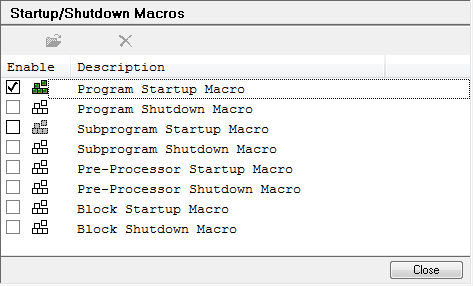
To use one of the event macros, first select an event type from the list, then click the Modify button. A clear icon in front of the event type indicates that an RMD macro does not yet exist for this event. A solid green icon indicates an active event macro. Event macros can be deactivated by clearing the checkbox (the icon changes color).
Close: Closes the event macro section.