Virtual Machine
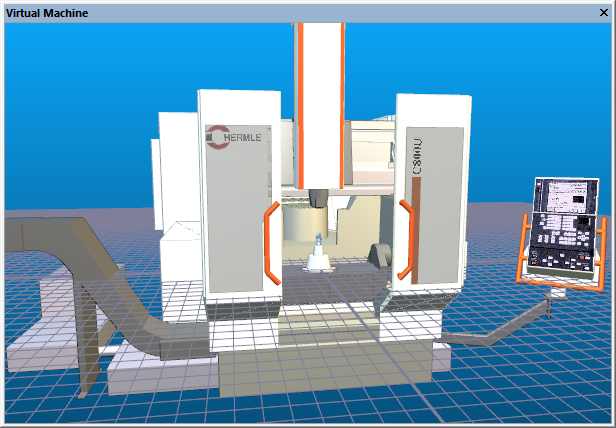
Enables the display of the individual Virtual Machine simulation windows if hidden or minimized, or hides them if already active. When Lock View Properties is set, changes to one window are applied to all; otherwise properties of each window can be individually controlled. The visibility of the simulation windows can be toggled from the View toolbar.
See Navigating the Simulation Window for details on how to manipulate your viewpoint in the simulation windows.
It is important to note that collision and overtravel detection (CERUN and GENER) and collision avoidance (GENER) are not affected in any way by the state of the simulation window.