Simulation»Camera»Speed Increase (Ctrl+'+')
Simulation»Camera»Speed Decrease (Ctrl+'-')

The Speed»Increase and Speed»Decrease menu selections (Ctrl + and Ctrl – shortcuts) adjust the default step size used when panning the camera. Each activation of the menu will only adjust the speed setting by one notch, so it is far more convenient to use the shortcut keys.
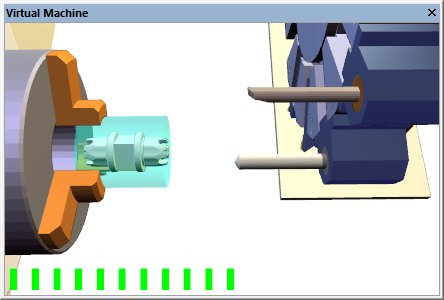
When adjusting the camera speed, a “volume control” type bar will appear briefly in the simulation window to show a relative measure of the current step size.
The step size can be temporarily reduced, while panning, to 1/10th the normal amount by holding the Shift key.