Replacement String
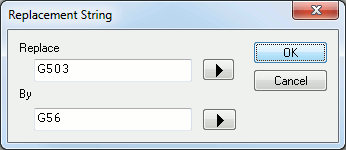
This dialog appears when adding or modifying entries in the Tape Editor.
Replace: Specifies a regular expression to match against a block of tape. The arrow button lists common regular expression formats to aid in the creation of the expression.
By: Specifies the text string to output in replacement of the one
matched by the Replace regular expression. If text was tagged in the
Replace field (using \