Tip of the Day
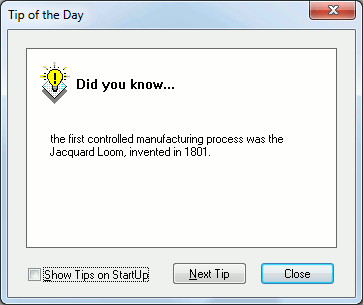
The tip of the day normally appears each time QUEST is launched. It can also be selected using Help | Tip from the menu.
Show tips on startup: Clear this checkbox to stop the tip of the day from appearing when QUEST is started.
Next Tip: Select this button to step through the tips in sequence.
Close: Select this button to close the tip of the day dialog.