Simulation»
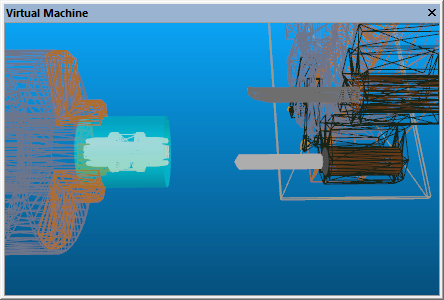
The Show Wireframe function switches between solid and wire-frame rendering of the simulation window.
Wire-frame mode enables objects that are behind others to be seen. However, an object that is obscured by another still cannot be selected with the mouse pointer, even when in wire-frame mode, because the selection is done on the faces of surfaces, not on their vertices.
When looking at the backside of a surface in “solid” mode, the surface
may appear as solid, or as wire-frame, or invisible. This setting is
controlled by the “Backface” options in the Simulation»