Debug»
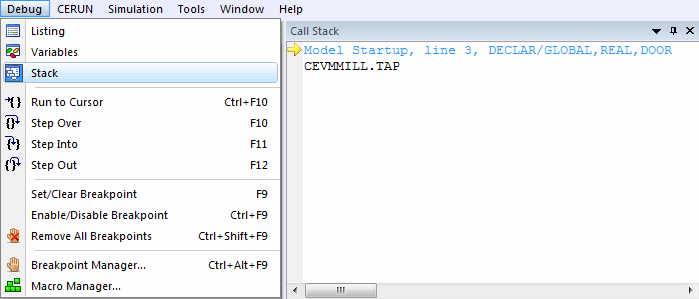
This command toggles the opening or closing of the variables window on the screen.
See the Stack Window for more information.
The Stack window lists the macro and sub-program call nesting order, bottom up starting with the MCD data file. Each currently active matched macro or sub-program is listed above its caller, in the order called. When you double-click on a macro in the Stack window, you can view the macro’s local variables in the Variables window and the macro source in the Listing window. Double-click on a sub-program entry in the stack window to view the MCD file source of the sub-program in the Listing window. Double-click on the lowest “MCD data” entry in the stack window to view the MCD file source in the Listing window.