Toolbars
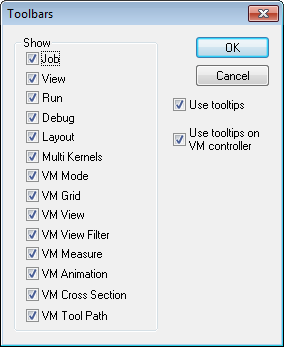
Use the Toolbars dialog to activate or disable the various toolbar menus available with CERUN. Toolbars can be docked along any of the sides of the main window, or they can be detached as separate windows (Windows only).
Tool-tips (balloon text that appears when the cursor is left on top of an input field or control) can also be enabled or disabled from the toolbar menu dialog (Windows only)