Simulation»
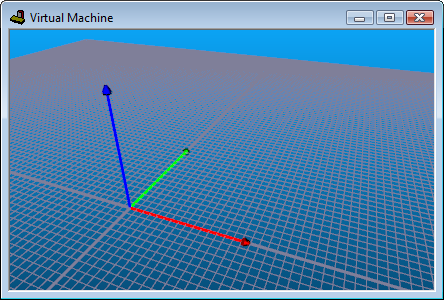
The Show Axes Marker function activates or deactivates the axes arrows that show the origin (i.e., 0,0,0 point) of the currently selected object. These markers can also be toggled from the VM Grid toolbar.
By default, each axis appears in a different color; red for X, green for
Y and blue for Z. The default axes marker color settings as well as the
arrow appearance and size can all be changed by selecting
Simulation»