Simulation»
Simulation»
The View Angle»
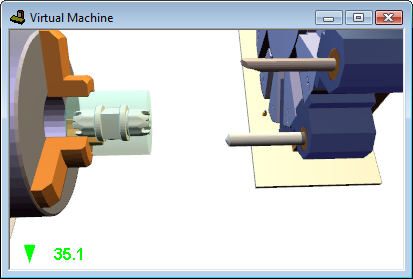
When adjusting the angle, a viewing angle size indicator will appear briefly in the simulation window.
The default viewing angle is 45 degrees. Increasing the viewing angle makes it possible to see more of the model, at the expense of some distortion. Decreasing the viewing angle makes it possible to look at the model in fine detail, but makes it a little harder to navigate.