Database View
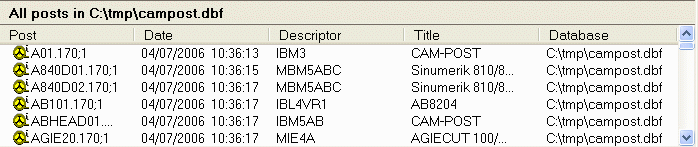
The Database View lists details about the post processors contained inside one or more databases. You can click on the column headers to sort the items in ascending sequence based on that column’s content. Click again to reverse the sort order. Double click on a post to open it. You can also select multiple posts using CTRL and SHIFT keys, and then perform an action, such as generate or export.
Select View | By Post from the menu to raise the By Post Type dialog, which can be used to restrict the database listing to just those post processors that match a specific criteria.