Words Manager
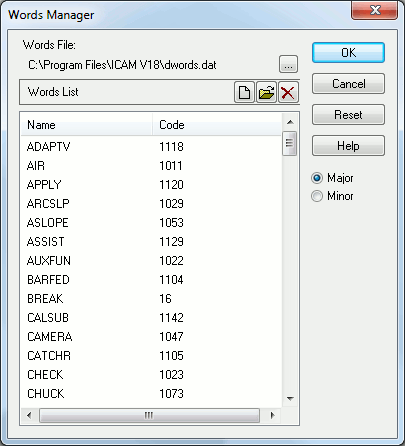
This dialog appears when Tools | Words Manager is selected from the
menu. The words manager defines the association between numeric codes
and their corresponding keyword names. Code/
Words File: Specifies the name of the file that is being used to define the keyword list. The file name should be defined in the QUEST setup panel (Tools | Setup, General). A different file can be specified by selecting the ... button. Doing so affects the current QUEST session only.
Major/
Reset button: Reset the list to its original state.
New button: Insert a new word into the list.
Open button: Edit a word from the list.
Delete button: Delete a word from the list.
OK: Saves changes to the named file.
Cancel: Ignores all changes made since the dialog appeared.