Startup Environment
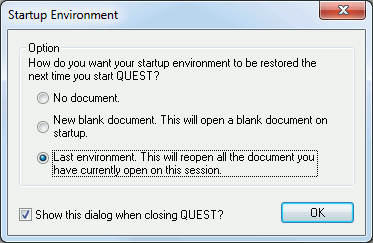
This dialog appears when exiting QUEST if the option needed to show the dialog is ON (See Preferences: General ). The dialog is used to specify how QUEST environment should be on the next startup.You can choose one of the three available choices.
Blank: QUEST will start without any opened or newly created document.
New blank post: QUEST will start with a newly created blank post-processor.
Last environment: QUEST will start and reload any documents that were opened the last time you closed the session. The section you were in will also be restored.