New DATA Macro (Control Emulator only)
The new DATA macro dialog is shown when creating a new macro from the Data Macro section. It allows you to specify which data registers can fire the macro.
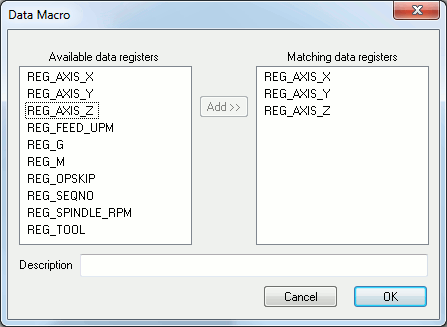
Just add all the data identifiers that can fire the macro. One of them is sufficient to execute it.
Then add a name for the macro in the Description text field.