Testing the Model
The (Ctrl F9) menu-bar selection provides a convenient method of running GENER and CERUN against a model currently being edited. When testing a model in this manner, it is not necessary to save the model before starting the test. The standard GENER or CERUN launch panel will appear. When it does, the default simulation database will show “-- Quest -- (Models in Memory)” and the model name drop-down selection will list all of the models out for editing.
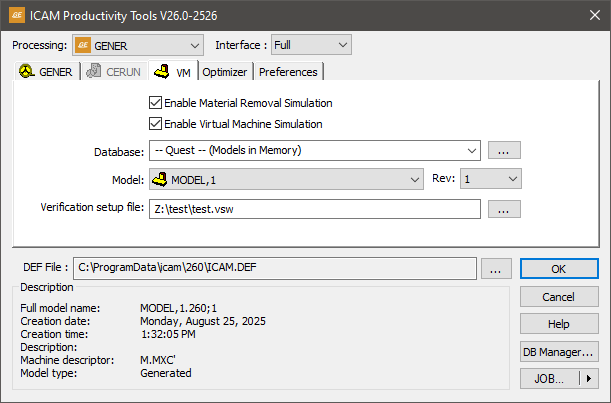
Any changes made to the model in QUEST while the test is running will not be seen until GENER or CERUN is restarted.
Because the test feature does not require a generated model, you might be tempted to go long periods before saving or generating. You are cautioned to save your work periodically to minimize loss of data caused by power outages or other serious problems.
The and menu bar selections cannot be used to test a model.