
Integration Utility Kit
 Creo
Creo
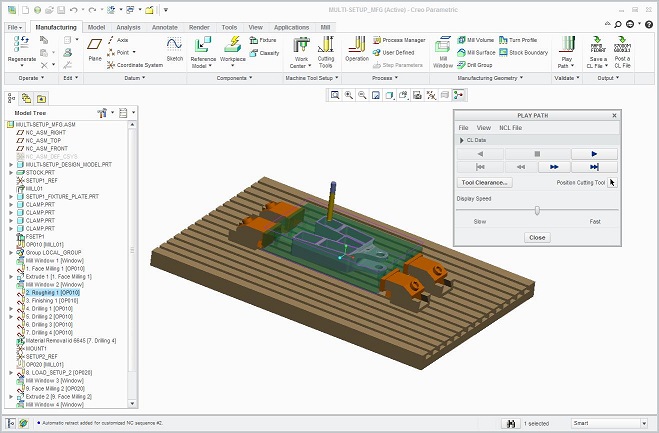
- CAM System: Pro/Engineer
- Company: PTC, Inc.
- Website: www.ptc.com


Creo to Icam Post Interface Documentation
Overview
The Creo Interface Kit is designed to accommodate differences in syntax between Pro/NC and Icam's postprocessing languages. Creo's APT commands in a cutter location source (.ncl) file are input to CAD-APT and/or Icam Post. See the Icam Post chapter "Post-processor Vocabulary" for more information on Icam Post supported syntax.
Only automatically generated Pro/NC commands are accounted for in this Creo Interface Kit. Other postprocessor statements are passed through unchanged. Not all translations shown in this document may be used with all Icam posts. For example, a CYCLE statement may be output by NC and correctly reformatted by the interface, but the post-processor may not support that CYCLE type; a postprocessing error would result.
CAD-APT and/or Icam Post can be invoked from within the Pro/NC menu by defining the "menu_def.pro" in the user's HOME directory. An example entry is as follows:
- @setbutton_exec UTILITIES Icam Post "C:\Program Files\CAMPOST\gener" "Execute Icam Post"
An "*.ncl" file will be posted regardless of the number of translations that cannot be made. The messages in the "*.lis" and "*.lst" files are meant to warn users that there are items in the "*.ncl" file that could not be interpreted. These items should be checked to ensure valid tape output.
Back to top