
Integration Utility Kit
 GibbsCAM
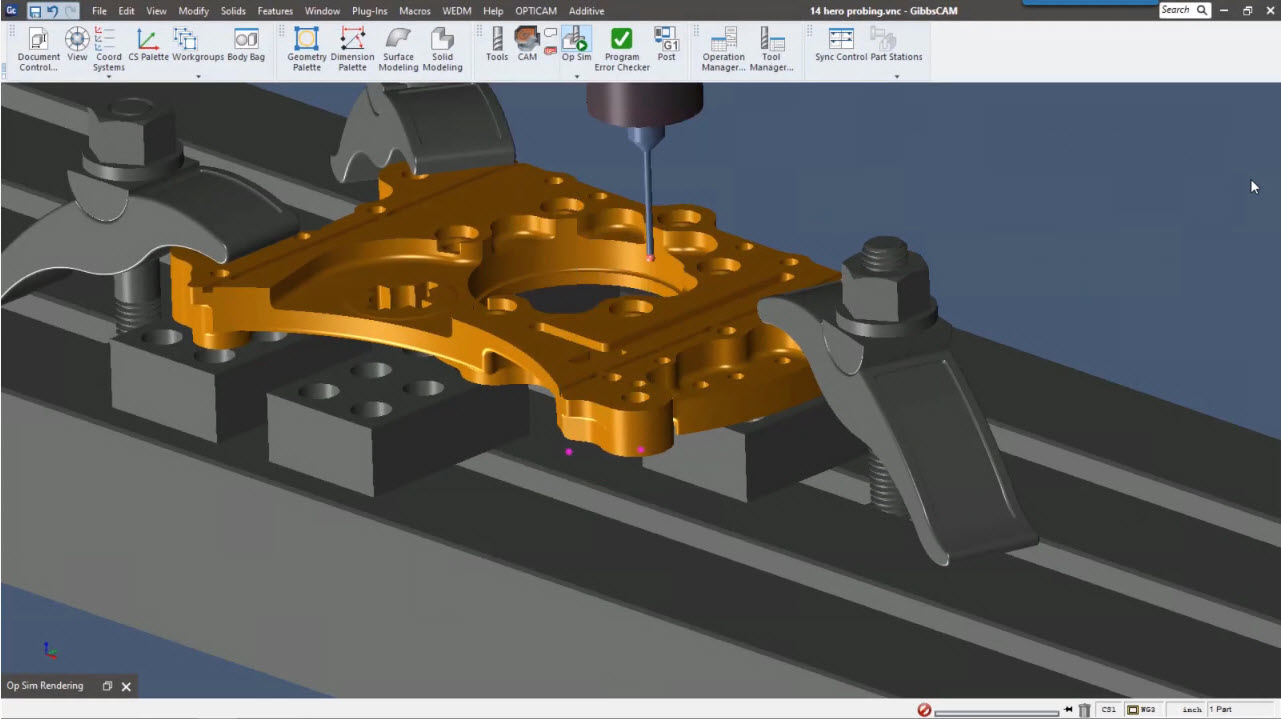
- CAM System: GibbsCAM
- Company: CAMBRIO
- Website:https://www.gibbscam.com/en
GibbsCAM to Icam Post Interface Documentation
Overview
The Gibbs Interface Kit is designed to accommodate differences in syntax between GibbsCAM's and Icam's post processing languages.
Icam Post to GibbsCAM Integration
The integration setup utility can be found in the Tools section of the Portal
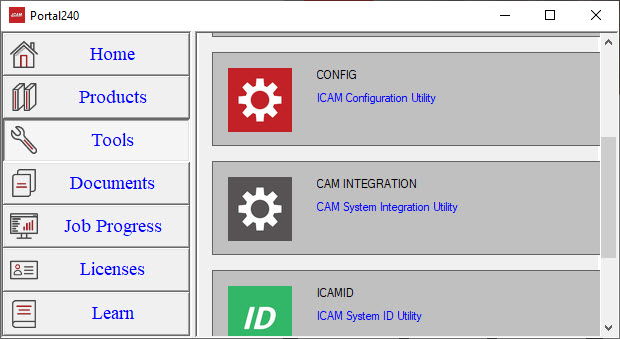
Choose GibbsCAM system(s) to setup
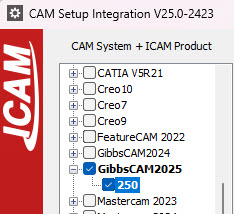
Select CAM system by checking the check-box or double-mouse-click on the already checked CAM system. Check the latest Icam Post revision if multiple instances exists.
GibbsCAM Setup Page
Note: You may need admin priviledges.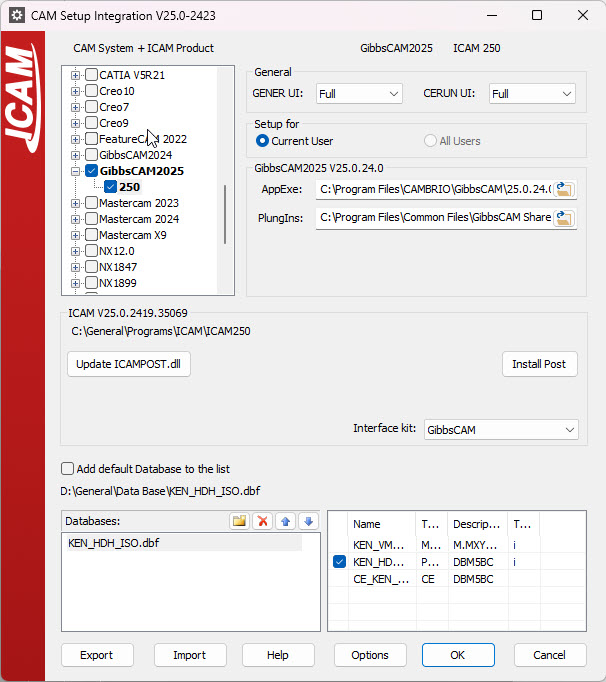
Several integration options are available.
- GENER UI & CERUN UI affect how the sofware is launched. 'Full' will launch the complete runtime interface.
- Setup for current user. is used to setup the installation folder for this user only. (Recommended)
- Setup for any user of this machine. is used to setup the installation folder for all users. Admin rights are required.
- Update ICAMPOST.dll is used to update the ICAMPOST DLL when integrating with GibbsCAM. Use the path PlungIns to specify the path to the GibbsCAM's Plugin folder in shared folder if it is not selected automatically.
- Interface kit should be selected based on your CAM system, except if you have a custom kit. GibbsCAM is recommended.
- Add default database to the list will add the default database when launching Icam within the CAM software. The default database depends on the answer for the setup. If unchecked, you can select your own database location.
- Install PostThe checkbox in the post section allows you to select the desired post. Then, click Install Post to run the Gener with the selected post when you run Icam within GibbsCAM.
Run Icam Post within GibbsCAM
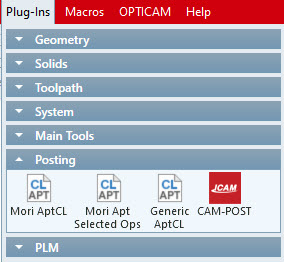
After finishing the integration, run GibbsCAM. The Icam Post icon will be located in the Plug-Ins Tab under Posting. Pressing on Icam Post will run the Gener.